Functionality for Administrators and Coordinators
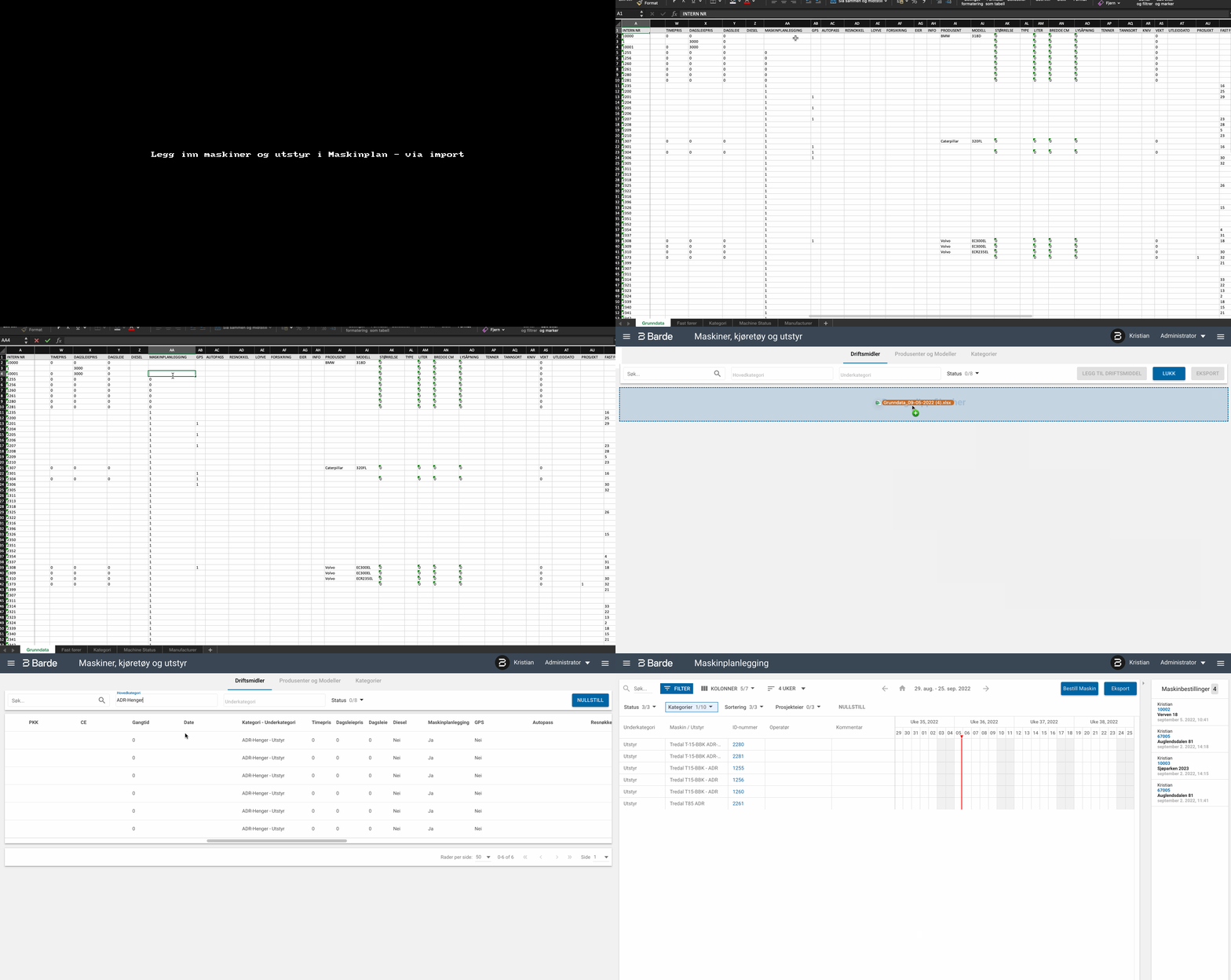
Currently, machines and equipment are made available for the Machine plan module by making changes in Assets, which is located under the main menu item Assets. In the interface, there is a column called "Machine plan" that determines whether the operating asset should be available in Machine planner (YES or NO).
This is an option that is easy to use for individual objects, such as when adding a
new asset.
Another option is to use import to make changes to multiple operating assets at the same time. Here it is important to note that in the column "Machine planner" you must set 1 or 0, where 1 = YES and 0 = NO.
A more detailed description will come later.
Via interface:
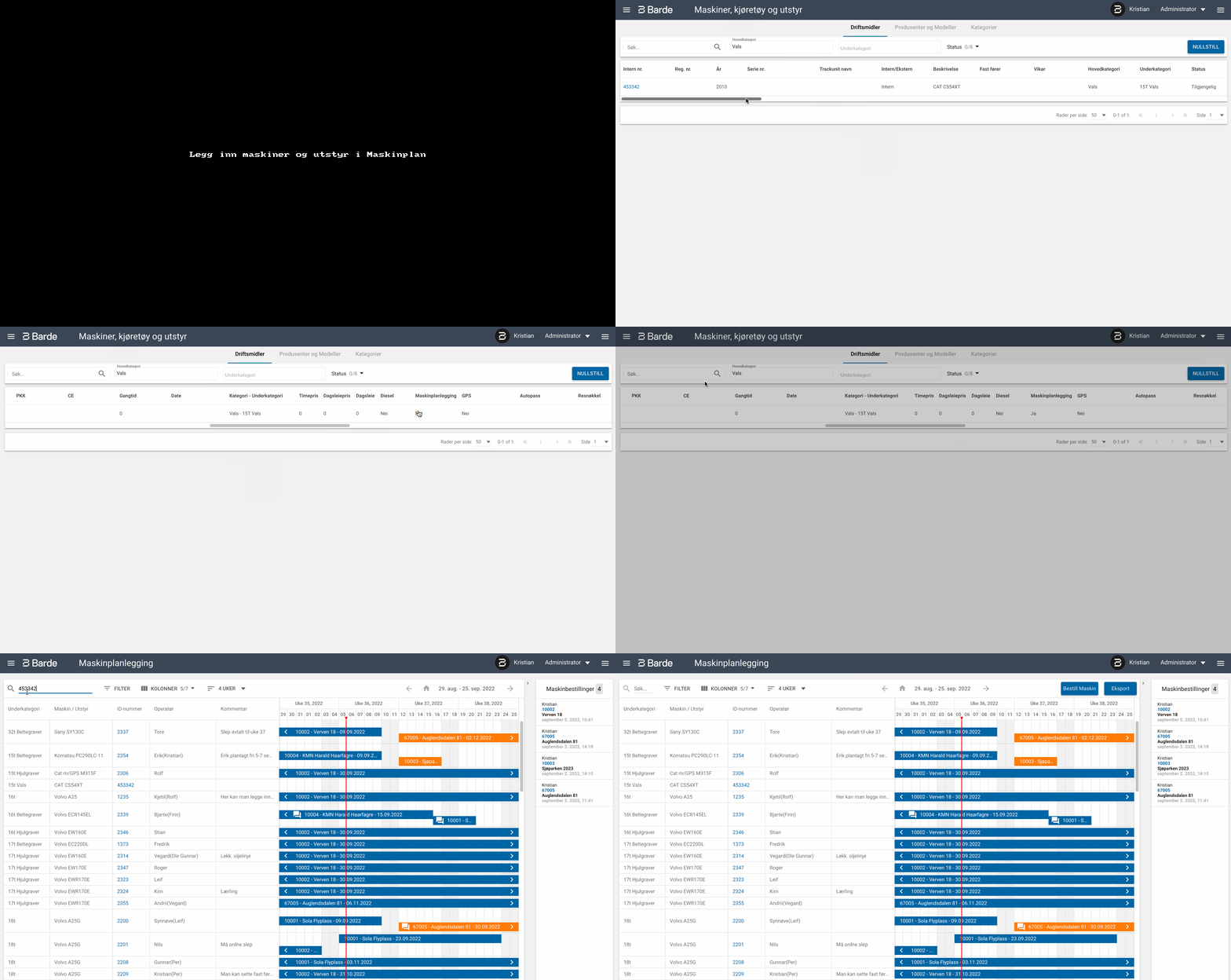
Via import: